GuidesEvergreen guide
How to Use a Software Wallet
How to Use a Software Wallet: a practical, no-hype guide for readers from GlobalCryptoWallets.com.
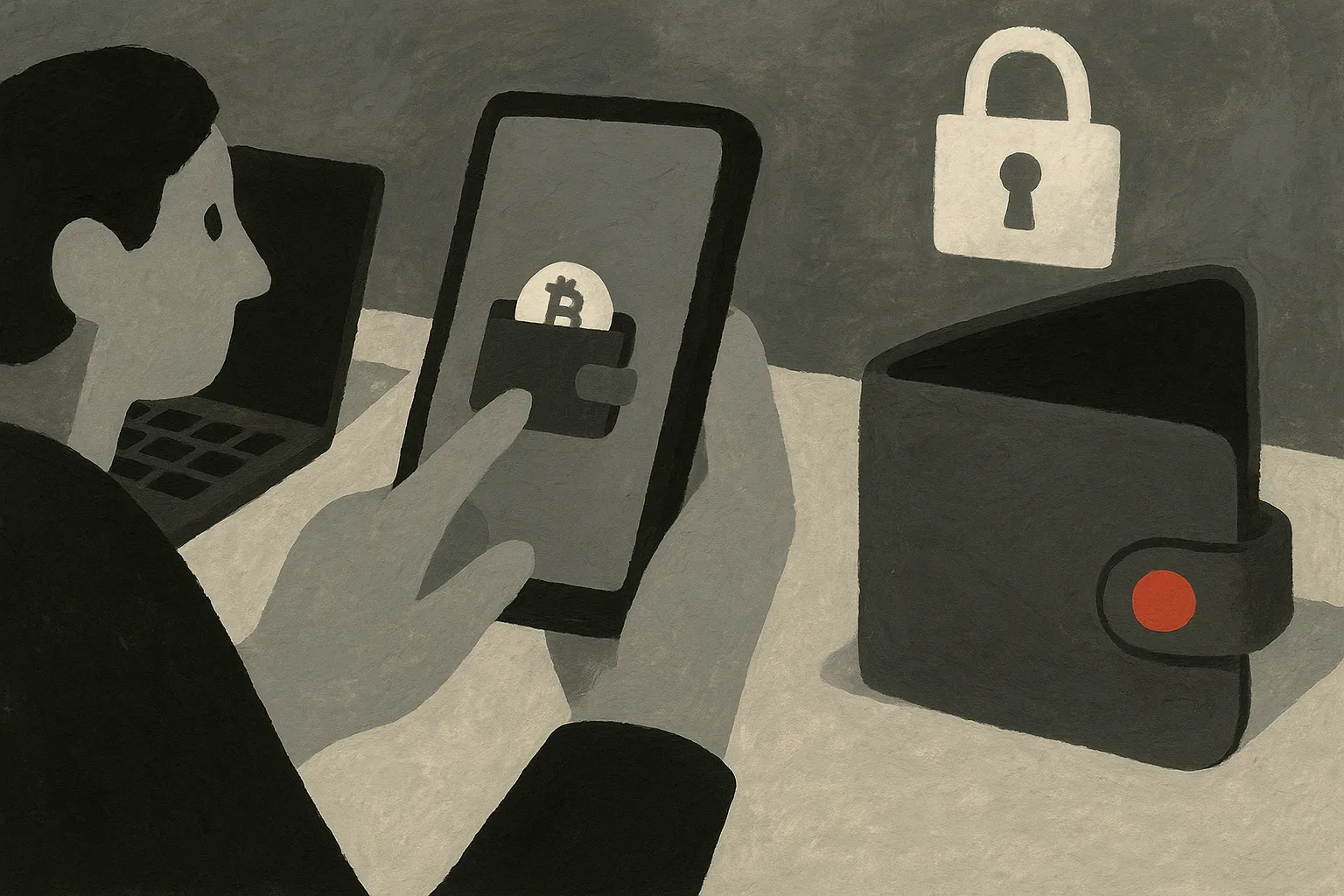
This article details a definitive, step by step process for new and intermediate users to confidently set up, use, and most importantly, secure their software crypto wallets across various platforms, providing a complete resource for effective digital asset management.
Understanding Software Wallets: Your Digital Crypto Companion
Unlike physical wallets that hold cash, a crypto wallet does not actually store your digital assets themselves. Instead, it stores the cryptographic keys (public and private keys) that prove your ownership of the cryptocurrency on the blockchain and enable you to interact with those assets. Software wallets offer exceptional convenience and accessibility, making them a popular choice for everyday crypto transactions and active trading. They come in various forms, including desktop applications, mobile apps, and browser extensions, each offering a unique balance of features and user experience. To learn more about the types, you can explore our article on what a hot wallet is and compare it with the principles of a hardware wallet or even how to set up a cold storage wallet.
Choosing Your Ideal Software Wallet: Key Considerations
Selecting the right software wallet is an essential step in your cryptocurrency journey, as it directly impacts your security, convenience, and overall experience. Foremost among these is security; look for wallets with robust encryption, two-factor authentication (2FA), and a strong track record of protecting user funds. The range of cryptocurrencies supported is another significant consideration; if you plan to hold diverse assets, confirm the wallet accommodates all of them. Reputability and community support indicate a trustworthy product and a helpful ecosystem for troubleshooting. Consider whether you need a desktop wallet for dedicated access, a mobile wallet for on-the-go transactions, or a browser extension for smooth interaction with decentralized applications (DApps). Each type has its advantages and disadvantages regarding security and convenience.
step by step Setup: Installing and Initializing Your Software Wallet
Begin by downloading the wallet application exclusively from its official website or a trusted app store. Beware of phishing sites or unofficial downloads, which can compromise your funds from the start. We have an article on how to verify a wallet download before you install it. Once downloaded, install the application and launch it. Most wallets will present you with two options: create a new wallet or restore an existing one. For a first-time setup, select "create a new wallet." The application will then typically generate a unique seed phrase, also known as a recovery phrase or mnemonic phrase, which is a sequence of 12 or 24 words. This seed phrase is the master key to your funds; whoever possesses it can access and control your cryptocurrencies. Do not take screenshots, store it on your computer, email it, or save it in any digital format. Store multiple copies in secure, physically separate locations that only you can access. Most wallets will prompt you to confirm your seed phrase by re-entering a few words to verify you’ve recorded it correctly. Finally, you will set a strong password for your wallet application. This password encrypts your local wallet data and protects your funds if someone gains access to your device. Confirm it is unique, complex, and memorable, or stored securely in a reputable password manager.
Funding Your Wallet: How to Receive Cryptocurrency Securely
Every cryptocurrency address is unique to a specific blockchain network. To receive funds, you first need to locate your wallet's receiving address for the specific cryptocurrency you intend to receive. This is usually found under sections like "Receive," "Deposit," or "My Address" within your wallet interface. It will appear as a long string of alphanumeric characters, sometimes accompanied by a QR code. Once you have your correct address, you can share it with the sender. Always double-check the address for accuracy before confirming the transfer, especially if you manually copy-paste it, as malicious software can sometimes alter clipboard contents. After the sender initiates the transaction, it will be processed on the blockchain, and you should see the incoming funds reflected in your wallet balance once confirmed by the network.
Making Transactions: Sending Crypto from Your Software Wallet
To initiate a send transaction, navigate to the "Send" or "Withdraw" section of your wallet. Here, you will typically be prompted to enter the recipient's wallet address. Always obtain the recipient's address directly from them and, if possible, double-check it character by character after pasting it into your wallet. Next, you will specify the amount of cryptocurrency you wish to send. You will also need to select the appropriate network for the transaction. As with receiving, verify the network you choose matches the recipient's wallet network to avoid loss. Most wallets will automatically suggest a network fee (often called 'gas fee' on Ethereum-based networks), which determines how quickly your transaction is processed. Review all transaction details, recipient address, amount, network, and fee, one final time before confirming. Once confirmed, the transaction is broadcast to the blockchain and cannot be reversed. Your wallet will typically show the transaction as pending until it is sufficiently confirmed by the network.
Advanced Management: Backups, Multiple Assets, and Beyond
Beyond basic sending and receiving, effective software wallet management involves advanced practices to enhance security and utility. Regularly backing up your wallet is essential. While your seed phrase is the ultimate backup for recovering your entire wallet, some wallets also offer the option to back up individual private keys for specific cryptocurrencies. Always store these backups offline and in secure, separate physical locations. Many modern software wallets support multiple cryptocurrencies, allowing you to manage various digital assets from a single interface. Familiarize yourself with how your chosen wallet handles different chains and tokens. Another advanced use is connecting your wallet to decentralized applications (DApps) and DeFi protocols. Understanding network fees, especially for actively traded assets or congested networks, is important.
Essential Security Practices for Software Wallets
No legitimate service, wallet provider, or support agent will ever ask for them. Treat your seed phrase as the equivalent of physical cash. Implement strong, unique passwords for your wallet application and any associated accounts, and enable two-factor authentication (2FA) wherever possible. Always verify URLs, and avoid clicking suspicious links. Staying informed about common crypto scams, such as those detailed in preventing crypto social media scams, is also important. Keep your software wallet application, operating system, and antivirus software consistently updated to patch any known vulnerabilities. Only download wallet software from official, verified sources. Consider segregating your crypto activities to a dedicated device or user profile to minimize exposure to other potential threats. For higher security needs or larger holdings, integrating your software wallet with a hardware wallet can provide an additional layer of protection, as a hardware wallet keeps your private keys offline while still allowing you to interact with DApps. Our article on how to secure a crypto wallet offers further complete advice on protecting your digital assets. Remember, you are your own bank when managing cryptocurrency, and the responsibility for security rests entirely with you.
Troubleshooting Common Software Wallet Issues
Even with careful use, you might encounter common issues with your software wallet. Knowing how to troubleshoot them can save you significant stress and time. If you forget your wallet password, the primary method of recovery is using your seed phrase to restore your wallet on a new installation or another compatible wallet. For transactions that appear stuck or unconfirmed, it often indicates an insufficient network fee (gas fee) or network congestion. Many wallets allow you to 'speed up' or 'cancel' such transactions by re-submitting them with a higher fee or a new nonce. If your wallet displays an incorrect balance, first confirm the application is fully synced with the blockchain. Sometimes, a simple refresh or restarting the application can resolve this. Verify that you are looking at the correct network; for example, if you sent tokens to an Ethereum address but are viewing a Binance Smart Chain balance, it will appear empty. Network errors can occur due to internet connectivity problems, firewall restrictions, or issues with the wallet provider's servers. Check your internet connection, temporarily disable firewalls, or check the wallet provider's status page. If the issue persists, consult the wallet's official support channels, community forums, or documentation. Provide clear details of the problem, including any error messages or transaction IDs, but never share your seed phrase or private keys with support. Patience is important, as blockchain transactions sometimes take longer to confirm during peak times.
Topics in this article
- software-wallet
- crypto-guide
- digital-asset-management
- security-best-practices
- cryptocurrency-basics
GlobalCryptoWallets.com publishes news, reviews, and educational information only. Nothing on this website is financial, investment, trading, legal, or tax advice. Cryptocurrency involves substantial risk, and readers should conduct independent research and consult a qualified professional before making decisions.